Salesforce Integration · Cincinnati

Salesforce integration consulting in Cincinnati.

Integration for Cincinnati manufacturers, distributors and financial firms that need Salesforce reading from ERP, core and policy systems instead of re-keyed copies.

4.95/5 from 92 AgentExchange reviews Salesforce Select partner since 2017 138 certifications, client case studies

Salesforce Integration for Cincinnati companies

Integration work in Cincinnati most often connects Salesforce to the systems that run production, distribution and policy administration. Manufacturers and wholesalers want order status, pricing and inventory visible to reps; insurers and banks want policy, account and servicing data beside the relationship. We agree in writing which system owns each record, choose between MuleSoft, Workato or direct APIs, build and test with real volumes, and add alerts and a runbook so your own team notices a failed sync first.

Local industries

How integration plays out in Cincinnati.

Manufacturing

Manufacturing makes up at least 13.4% of the metro's economic output, spanning aerospace components, automotive parts, chemicals and food ingredients. These producers usually keep customers, items and orders in an ERP that predates Salesforce. We typically sync customer accounts both ways, bring orders, shipments and invoices into Salesforce read-only, and push approved quotes back for order entry. Matching rules for customer numbers are designed before any code, because mismatched records are what erode trust in integrated data.

Integration for Manufacturing →
Wholesale trade

Distributors serving the region's manufacturers and retailers depend on price lists and stock levels that change daily. An integration that shows reps live availability and customer-specific pricing inside Salesforce prevents quotes built from stale spreadsheets. We plan volumes and refresh frequency with the warehouse and pricing teams, since pulling every SKU in real time is rarely necessary, and choose scheduled or event-driven syncs based on how quickly each value actually changes.

Technology

REDI Cincinnati names supply chain management, data analysis and cybersecurity within its technology sector. Firms building software for those markets typically need Salesforce tied to billing, product usage and support platforms so account teams see adoption and renewal risk in one place. We define which usage events are worth sending, aggregate them before they reach Salesforce to protect storage and API limits, and put every connected app and integration user through a security review.

Plan for it

What to plan for in Cincinnati.

01

Decide the system of record

For every shared entity, such as customer, product, price and order, write down which system is authoritative and which only reads. Without that, two systems overwrite each other and nobody knows which address or price is correct. It is the single decision that prevents most of the integration failures we are asked to fix.

02

Plan for unmatched records

Legacy ERP and policy systems in long-established Cincinnati businesses often hold duplicate customers or inconsistent naming. Decide what happens when an incoming record has no match: hold it for review, create it, or reject it with an alert. That rule should exist before go-live, not after the first failed sync.

03

Assign someone to watch alerts

Monitoring only helps if a person responds. Name an owner for integration alerts on your side, agree on what counts as urgent, and keep a runbook listing common failures and their fixes. Otherwise sync errors accumulate quietly until a customer or a rep stumbles on the problem.

Free 21-page PDF

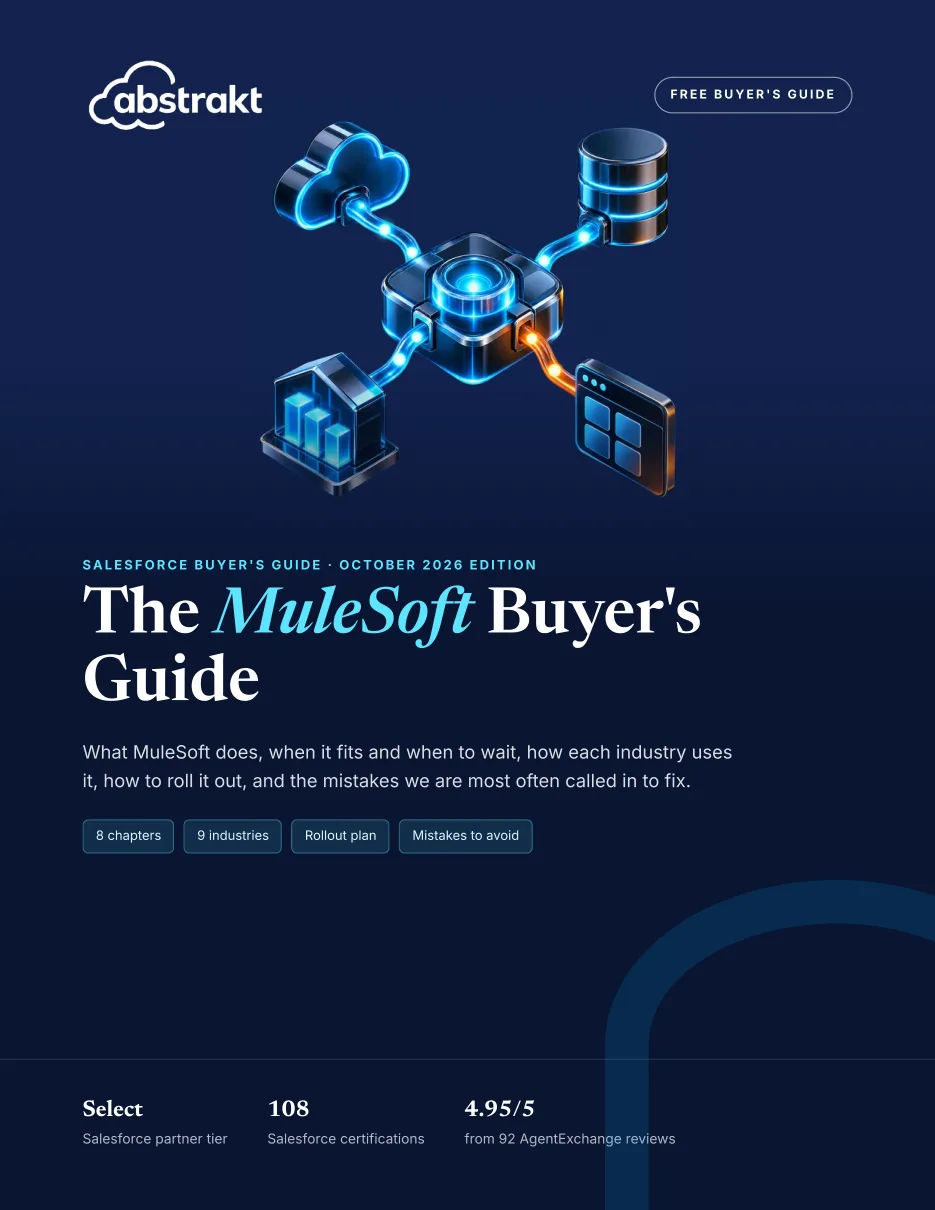
The MuleSoft Buyer's Guide

Connecting Salesforce to other systems at a Cincinnati company?What MuleSoft does, when it fits and when to wait, the rollout plan and the mistakes to avoid, free for Cincinnati teams like yours.

Get the guide →
Also freeCincinnati's Salesforce market brief25 pages on Cincinnati's growth, industry mix and tech talent costs, for planning integration work.
Scope

What our integration covers.

  • Integration design
  • ERP integration
  • Middleware
  • Marketing and support tools
  • Monitoring

How our salesforce integration works →

Salesforce products

FAQ

Integration in Cincinnati: questions.

We run one ERP and a few smaller tools. What should connect them to Salesforce?

The answer turns on system count and on who will own the connections afterward. With a single ERP plus an e-signature product, Workato or a direct API build is often enough. One running several plants, a warehouse system and a customer portal usually benefits from reusable MuleSoft APIs. We recommend a tool after mapping data volumes, latency requirements and your internal skills.

Can underwriters and bankers see policy or core account details in Salesforce without a full copy?

Yes. For large, frequently changing records, Salesforce Connect or on-demand API calls can display policy or account details from the source system when a user opens a record, without storing them. Frequently reported fields, such as premium totals or product holdings, are usually worth syncing so dashboards work. Data 360 (formerly Data Cloud) is another option when several sources need to be unified for segmentation or service.

What does integration testing involve before cutover?

We build in a sandbox connected to a test copy of the other system, then run realistic volumes, including month-end order spikes and bulk price updates. Each scenario has an expected result, from a new customer created in ERP to a quote converted to an order. Error cases are tested deliberately, so we know the alerts fire and the runbook steps actually fix the problem.

Planning integration in Cincinnati? Let’s talk it through.

Tech Talk · monthly newsletter

Valuable insights on technology, CRM and AI, once a month.

Written by the consultants who do the work. One email a month, and you can unsubscribe anytime.

We never share your email. See past issues →

Call (314) 916-4095 Book a consultation
Call (314) 916-4095 Book a call