What MuleSoft is, and who this guide is for
Before you download
MuleSoft connects Salesforce to ERP, billing, warehouse, identity and other back-office systems through governed, reusable APIs. Its value shows up on the second and third projects, when new integrations assemble existing building blocks instead of wiring yet another direct connection.
The guide is for IT and integration leaders and the architects who will design the platform. It explains DataWeave, Anypoint Exchange, API Manager, Omni Gateway, Anypoint MQ and monitoring, sets out a five-step rollout, and covers how MuleSoft gives Agentforce and other AI agents governed access to enterprise systems.
Get the free MuleSoft guide
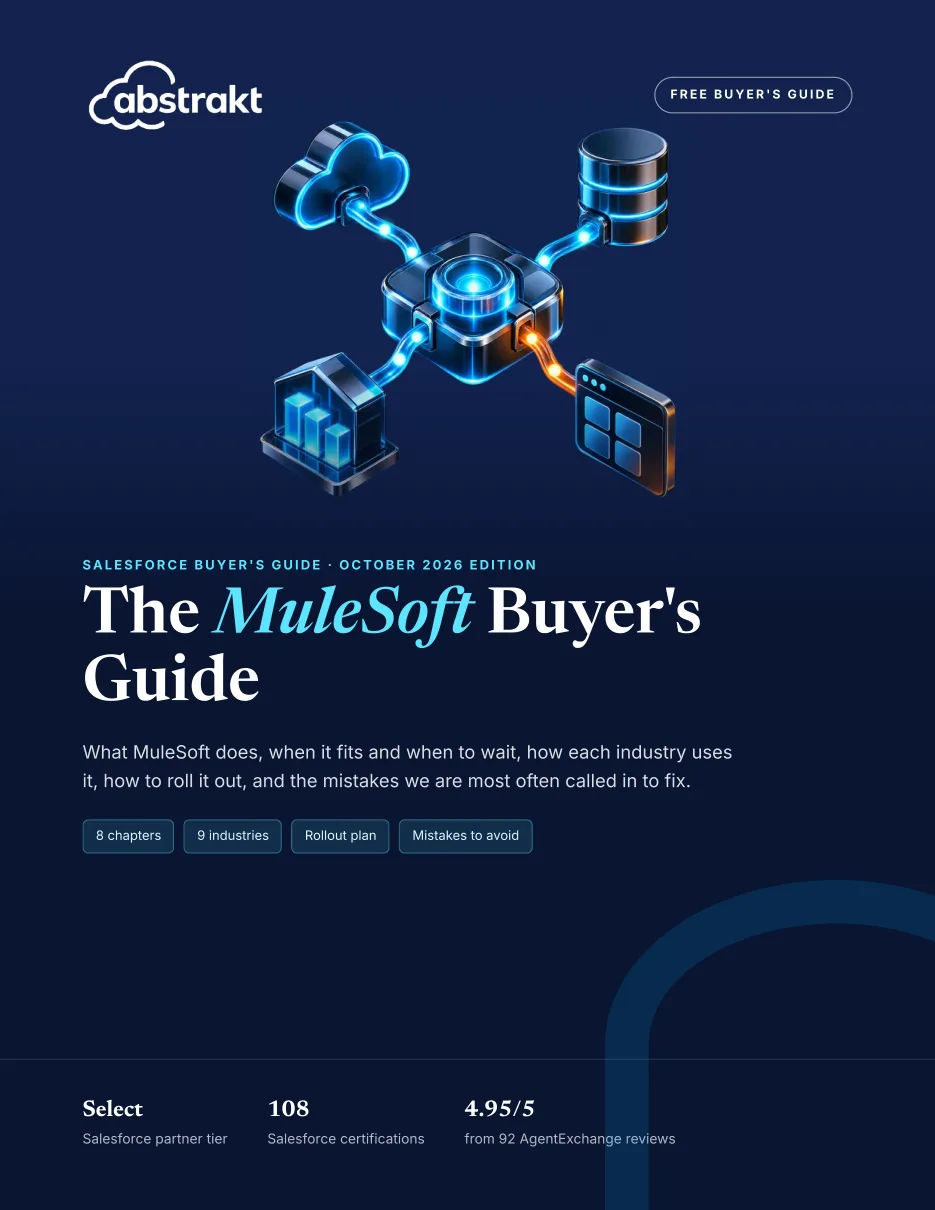
- 21 pages
- 8 chapters
- Free PDF
What's inside the MuleSoft guide (8)
- 01
What MuleSoft does
DataWeave transformation language, Anypoint Exchange, API Manager and policies, Omni Gateway, Anypoint MQ messaging and Anypoint Monitoring and alerting.
- 02
When MuleSoft fits, and when to wait
5 signs MuleSoft fits and 4 reasons to wait or choose something else.
- 03
MuleSoft by industry
education, Health & Life Sciences, Insurance, Manufacturing, Mortgage & Lending and 4 more.
- 04
How to roll it out
Inventory interfaces and owners → Stand up platform foundations → Design contracts before code → Build the first reusable slice → Hand over operations deliberately.
- 05
Mistakes to avoid
4 mistakes, from “Treating system APIs as disposable” to “Skipping error handling until testing”.
- 06
Questions buyers ask
5 questions, starting with “What is API-led connectivity in plain terms?”
- 07
Results from our projects
1 MuleSoft project, summarized.
- 08
Next steps
Free assessments and how to reach a MuleSoft consultant.
Worksheets you keep (4)
Fit scorecard
9 statements to tick, showing whether MuleSoft fits your team now or later.
Decisions worksheet
4 MuleSoft decisions with room for your answer and an owner.
Partner interview scorecard
5 questions to rate up to three MuleSoft partners side by side.
30-day plan
Four weeks from reading the MuleSoft guide to a written scope.
When MuleSoft fits, and when to wait (7)
Good signs
- Several back-office systems need to exchange records with Salesforce and with each other.
- Many consumers request the same customer, product or order data, so a reusable API beats another dedicated connection.
- Partners or distributors need authenticated, throttled access to your data with usage visibility.
- You plan to give AI agents actions against enterprise systems and want every call logged and governed.
Reasons to wait
- Salesforce only talks to one or two cloud apps with prebuilt connectors, where MuleSoft for Flow: Integration or a native connector may do.
- The need is analytics consolidation rather than transactions, which Data 360 often addresses more directly.
- Nobody can own API design, deployment and monitoring after launch.
The MuleSoft rollout plan, in brief (5)
- 01
Inventory current interfaces
Catalog every connection, file drop and scheduled script in scope, along with its owner and what breaks if it stops. The list exposes duplicate feeds and becomes the retirement checklist after cutover.
- 02
Lay platform foundations
Configure environments, identity, permissions and a deployment pipeline, decide where runtimes will run, and agree naming and versioning before the first project ships.
- 03
Agree contracts before code
Write each specification in RAML or OAS, review it with the consuming teams and publish it to Exchange with mock responses, so consumers can build in parallel.
- 04
Deliver one reusable slice
Ship one business outcome end to end, such as order status visible in Salesforce, with automated tests, error handling and logging standards that later developers copy.
- 05
Hand over operations on purpose
Agree alert thresholds, replay runbooks and credential rotation before go-live, train the internal team on monitoring, and track which APIs actually get reused.
MuleSoft mistakes we are called in to fix (3)
Shaping system APIs around one screen
A system API built for a single consumer cannot be reused by the next project. Model it on the source system’s real records and let process APIs handle each consumer’s combination.
Leaving error handling for testing
Happy-path flows demo well, then fail quietly on locked records or timeouts in production. Build standard error responses, retries and dead-letter handling into the project template.
Burning through Salesforce API limits
Chatty syncs and bulk loads can exhaust the org’s daily allocation and block other users. Use the Bulk API, composite requests and change data capture or platform events, and monitor consumption from the start.
Decisions to make early (4)
| Where runtimes live | CloudHub 2.0 is run by Salesforce and suits most teams. Runtime Fabric or customer-hosted runtimes fit residency, network or latency constraints, and they change your operations staffing. |
|---|---|
| How far the gateway reaches | Omni Gateway, renamed from Flex Gateway, can protect APIs not built in Mule and govern MCP and agent-to-agent traffic, bringing the whole estate under one policy model. |
| Who maintains it | Internal developers can own routine changes once there is a strong reference implementation, while outside specialists handle architecture reviews and upgrades. Agree the split before launch. |
| How agents get access | MuleSoft APIs can be registered as agent actions, the MCP Connector can expose them to AI clients, and Agent Fabric registers and governs agents and MCP servers. |
Questions to ask a MuleSoft partner (5)
- Which of our existing interfaces would you retire first?
- How will you decide between CloudHub 2.0 and Runtime Fabric for us?
- What will the reference implementation include?
- How will you protect our Salesforce API allocation?
- How will we measure reuse after the first projects?
MuleSoft buyer questions (5)
What does API-led connectivity mean?
Integrations are layered so each piece has one job. System APIs expose a back-end application cleanly, process APIs combine them into business logic, and experience APIs shape results for a particular consumer. Because the lower layers are shared, the next project reuses them.
What is DataWeave?
DataWeave is the language Mule applications use to reshape data between JSON, XML, CSV, flat files and Java objects. Shared DataWeave modules keep mapping logic consistent across flows instead of rewritten in each one.
What happens when a downstream system goes offline?
Anypoint MQ queues messages so a fast producer is decoupled from a slow or unavailable consumer, and dead-letter queues give support staff a clear place to inspect and replay failed transactions.
Can our own developers maintain MuleSoft after launch?
Yes, if they are prepared for it. Java and integration developers usually pick up DataWeave and Anypoint Code Builder quickly, and paired delivery during the first projects helps most.
How do we know MuleSoft is paying off?
Count APIs serving more than one application, compare how long new integrations take with earlier ones, track legacy jobs retired and measure how fast failures are found and fixed. Persistently low reuse points to an architecture or governance problem.
Who wrote it
Abstrakt Solutions is a Salesforce Select partner based in St. Louis that implements MuleSoft, with 138 certifications and a 4.95 out of 5 rating from 92 reviews on Salesforce AgentExchange (formerly AppExchange).
 Salesforce Sales Cloud
 Salesforce Service Cloud
 Salesforce Field Service
 Salesforce Marketing Cloud
 Salesforce Revenue Cloud / CPQ
 Salesforce Experience Cloud
 Salesforce Agentforce
 Data 360
 Tableau
 Gong
 Claude