Salesforce Integration · Grand Rapids

Salesforce integration consulting in Grand Rapids.

Linking Salesforce with the ERP, quality, warehouse and dealer systems West Michigan manufacturers and distributors already use, so reps and agents stop re-keying data.

4.95/5 from 92 AgentExchange reviews Salesforce Select partner since 2017 138 certifications, client case studies

Salesforce Integration for Grand Rapids companies

Integration in Grand Rapids nearly always centers on the ERP. Sales wants inventory, pricing and order status inside Salesforce; the plant wants accurate orders flowing back without re-entry; service needs shipment and serial-number history. We map each of those flows, decide which system owns every field, and pick MuleSoft or a lighter approach depending on how many systems are involved. Medical device and food companies add quality systems to that map, which raises the bar on traceability.

Local industries

How integration plays out in Grand Rapids.

Manufacturing

For the region's manufacturers, the essential integration links Salesforce opportunities and CPQ quotes to ERP sales orders, then brings order status, shipments and invoices back to the account. We design how part numbers, customer numbers and price lists stay in sync, and what happens when a quote references an item the ERP does not recognize. MuleSoft suits companies connecting several plants or ERPs; a single-plant manufacturer may need something simpler.

Integration for Manufacturing →
Wholesale trade

Distributors depend on accurate availability and pricing, often across large catalogs and customer-specific price agreements. Integrating Salesforce with the ERP and warehouse systems lets reps check stock and contract pricing on the account before they call, and lets inside sales see open orders and backorders. We keep high-volume data such as full inventory tables in the ERP and expose it on demand, rather than copying it into Salesforce every night.

Medical Device Manufacturing

Device makers need the complaint captured in Salesforce to reach the quality system intact and on time, with product, lot and patient-safety details preserved. Integration here is less about data volume than about completeness, timing and audit trails. We define the handoff, including acknowledgments and status updates flowing back to the case, log every transmission and set alerts for failures, so a missed transfer cannot leave a reportable event sitting unnoticed.

Integration for Health & Life Sciences →
Plan for it

What to plan for in Grand Rapids.

01

Align part and customer numbers first

Mismatched identifiers cause many of the integration defects we see in manufacturing orgs. Before development, reconcile how the ERP and Salesforce identify customers, ship-to locations and parts, and decide how new records get created on each side so duplicates do not multiply after launch.

02

Expose inventory rather than copying it

Stock levels change constantly, and copying them into Salesforce creates stale numbers and storage costs. Show availability through a live lookup or an external object where possible, and sync only the summary values that reports genuinely need, such as monthly totals by product family.

03

Plan for multiple plants or ERPs

Companies that have acquired plants often run more than one ERP. Design integrations so Salesforce can accept orders and history from each, with a consistent customer identity across them, instead of wiring a separate point-to-point connection every time a site joins.

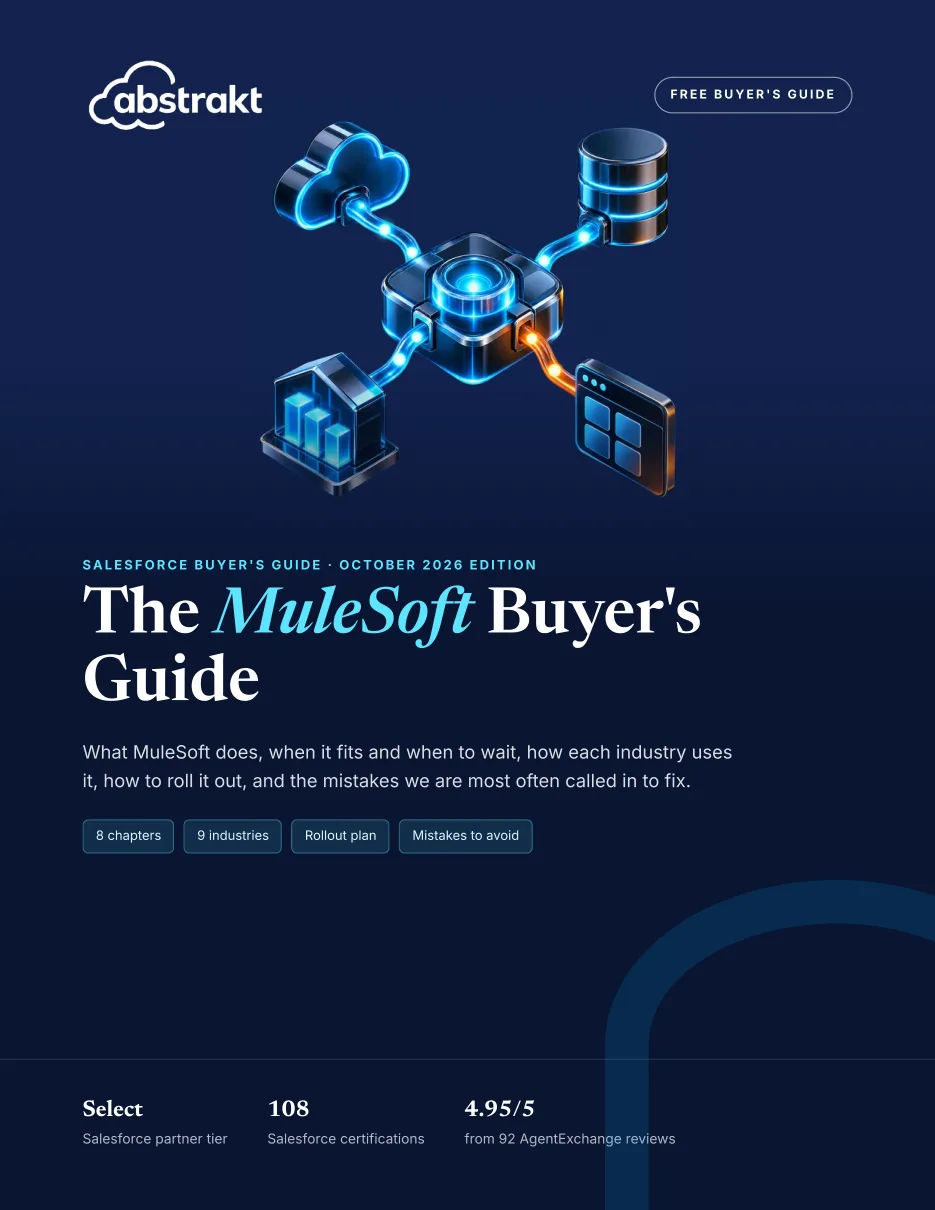
Free 21-page PDF

The MuleSoft Buyer's Guide

Connecting Salesforce to other systems at a Grand Rapids company?What MuleSoft does, when it fits and when to wait, the rollout plan and the mistakes to avoid, free for Grand Rapids teams like yours.

Get the guide →
Also freeGrand Rapids's Salesforce market brief21 pages on Grand Rapids's growth, industry mix and tech talent costs, for planning integration work.
Scope

What our integration covers.

  • Integration design
  • ERP integration
  • Middleware
  • Marketing and support tools
  • Monitoring

How our salesforce integration works →

Salesforce products

FAQ

Integration in Grand Rapids: questions.

Our Kent County plant still runs an on-premises ERP installed long ago; is connecting it to Salesforce realistic?

Usually. Where an aging ERP has no usable web services, we fall back on patterns such as scheduled flat-file drops or a middleware agent running inside your network. MuleSoft and similar tools support those patterns with monitoring built in. We assess what the ERP exposes, how current the data must be, and what your IT team can support, then recommend the least fragile option rather than the most elaborate one.

Should quotes created in Salesforce turn into ERP orders automatically?

Often yes, once the quote is approved and the customer accepts it. Automatic order creation removes re-keying errors, but it needs validation: correct ship-to, available items, pricing within tolerance. We usually build it with a review step first, then remove the manual check once error rates prove acceptable. Order confirmations and changes then flow back so reps see the ERP status on the opportunity.

When an order stops syncing at our plant months after launch, who is expected to notice and fix it?

That is agreed before launch. Some companies keep ownership with internal IT, and we hand over documentation, monitoring dashboards and runbooks for common failures. Others fold support into a managed services arrangement with us. Either way, every integration has a named owner, error alerts go to people who can act, and credentials are tracked so an expired password does not quietly stop orders syncing.

Sources for the figures on this page
  1. The Right Place

Last reviewed September 26, 2026.

Planning integration in Grand Rapids? Let’s talk it through.

Tech Talk · monthly newsletter

Valuable insights on technology, CRM and AI, once a month.

Written by the consultants who do the work. One email a month, and you can unsubscribe anytime.

We never share your email. See past issues →

Call (314) 916-4095 Book a consultation
Call (314) 916-4095 Book a call