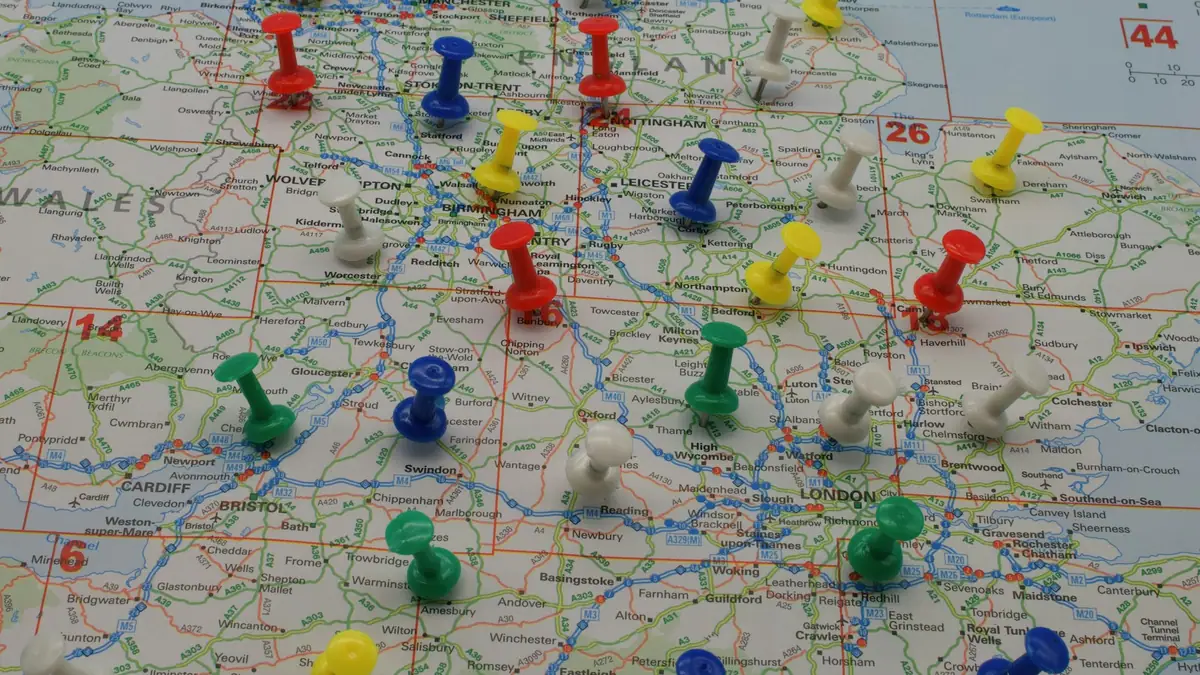
Salesforce territory management, now called Sales Territories and formerly Enterprise Territory Management, groups accounts into territories using rules such as region, industry or revenue, assigns sellers to each territory, and grants record access and rolls up forecasts along a territory hierarchy instead of the role hierarchy. You need it when one account is covered by several sellers, when coverage is redrawn every fiscal year, or when forecasts must follow territories. For one rep per region, ownership and assignment rules are usually enough.
The building blocks
Salesforce renamed the feature in 2024, so older documentation and many admins still call it ETM. It is included with Sales Cloud in Developer, Enterprise, Performance and Unlimited editions. The concepts nest inside each other, and most design mistakes come from mixing them up.
| Concept | What it is | Design note |
|---|---|---|
| Territory model | A complete territory structure: hierarchy, territories, rules and user assignments | Only one model can be active; others sit in planning or archived state for what-if work and reference |
| Territory hierarchy | The tree of territories inside a model, such as North America, then East, then New England | Forecasts and access roll up this tree, so it should match how sales leadership manages coverage |
| Territory type | A category every territory belongs to, such as Named Account, Geographic or Overlay | Types organize territories but do not appear in the hierarchy |
| Type priority | A ranking you define for territory types | Helps admins choose the right type when creating territories; you set the scheme |
| Account assignment rules | Criteria that place accounts into territories automatically | Rules apply to their own territory unless you mark them to be inherited by child territories |
| Users and territory roles | Sellers assigned to a territory, each with a role such as owner or sales engineer | A user can sit in several territories, and past assignments can be tracked |
| Opportunity territory | The single territory an opportunity belongs to | Set manually or by an Apex filter class that picks one territory per opportunity |
The key difference from ownership is multiplicity. An account has one owner, but it can belong to several territories at once, for example a geographic patch and a product specialist overlay. Opportunities are stricter: each one gets exactly one territory, and that choice drives the territory forecast.
Territories or simple ownership?
Plenty of sales teams run well without territories. If each account has one clear owner, lead assignment rules or a Flow route new records correctly, and managers see their teams through the role hierarchy, adding Sales Territories creates maintenance without much benefit. The signals that you have outgrown ownership are structural:
- Accounts need coverage from more than one seller, such as a field rep plus an industry or product overlay, and both need access and credit.
- Coverage is redesigned every year and reassigning owners by data load has become a multi-week project that disrupts selling.
- The role hierarchy has grown extra layers only to control record visibility, not to reflect who reports to whom.
- Sales leaders want forecasts by region or segment, and those do not line up with manager reporting lines.
- Named accounts must stay with a strategic team regardless of where they are located, while everything else is carved up by rules.
If none of these apply, keep ownership simple and invest in clean assignment logic instead. You can adopt territories later; the data you will need, such as consistent billing states, industries and employee counts, is worth cleaning either way.
Forecasting by territory
Territory forecasts roll opportunities up the territory hierarchy rather than the owner's management chain. They require Salesforce Forecasting in Lightning Experience, and they only work as intended when opportunities carry the right territory. With team selling and opportunity splits, each split is still tied to a single territory.
Assign a forecast manager to every territory where you want rolled-up amounts. Where a territory has no forecast manager, Salesforce groups its opportunities by the individual users in that territory instead of consolidating them. Decide before launch who owns each territory's number, and make sure the opportunity territory filter, or your manual process, sets the territory before forecasts are submitted.
Designing the model
Start from how coverage and compensation actually work, not from the map. Ask sales operations for the current coverage spreadsheet, the comp plan's crediting rules and the list of named accounts, then decide which territory types you need. A typical mid-size model has a geographic tree, a named account branch and perhaps an overlay type for specialists.
Salesforce's best-practice guidance has several points that save pain later. Write rules on numeric fields rather than text where possible, keep rules as restrictive as you can, and use formula fields when a rule needs more than the ten criteria it allows. Identify named accounts by account number rather than name. Clean the data before rules run instead of trying to correct it inside the rules. Handle lead routing in a separate process, and grant overlay access to opportunities with sharing rules rather than customizing the territory engine. If you want territories drawn on a map, Salesforce Maps Territory Planning can publish its results into Sales Territories.
Rollout tips
Build the first model in the planning state, run the assignment rules, and compare the results with a report of current ownership. Every account that lands in an unexpected territory, or in none, is either a rule problem or a data problem, and both are cheaper to fix before activation. Keep in mind that activating is one-way: an active model cannot go back to planning, only to archived.
- Enable the feature in a full or partial copy sandbox first, and test record access with sample users from each territory role.
- Settle the default access levels for accounts, opportunities, contacts and cases before users are assigned.
- Have regional managers review their territory lists and sign off before activation.
- Activate at a quarter or fiscal-year boundary so forecast periods start clean.
- Run the opportunity territory filter on open opportunities right after activation and check the exceptions.
- For the next realignment, clone the active model, adjust it in planning, and swap models on a planned date after saving forecast history.
Afterward, give one person ownership of the model. Rep departures, new hires and acquisitions change territories constantly, and a model nobody maintains drifts back to manual ownership fixes within a few quarters.
