What Salesforce Service Cloud is, and who this guide is for
Before you download
Service Cloud turns requests from email, phone, messaging and web forms into cases that are routed, timed against what each customer is owed and resolved with the right knowledge in front of the agent. The product is broad, and most of its value comes from choices made before launch: how work is routed, what counts as a breach and which articles exist on the first day.
The guide is for support leaders, operations managers and admins planning a new service desk or rescuing an existing one. It covers Omni-Channel routing, entitlements, the service console, Enhanced Chat, swarming and feedback, shows how service teams in different industries use them, and sets out a channel-by-channel go-live plan.
Get the free Salesforce Service Cloud guide
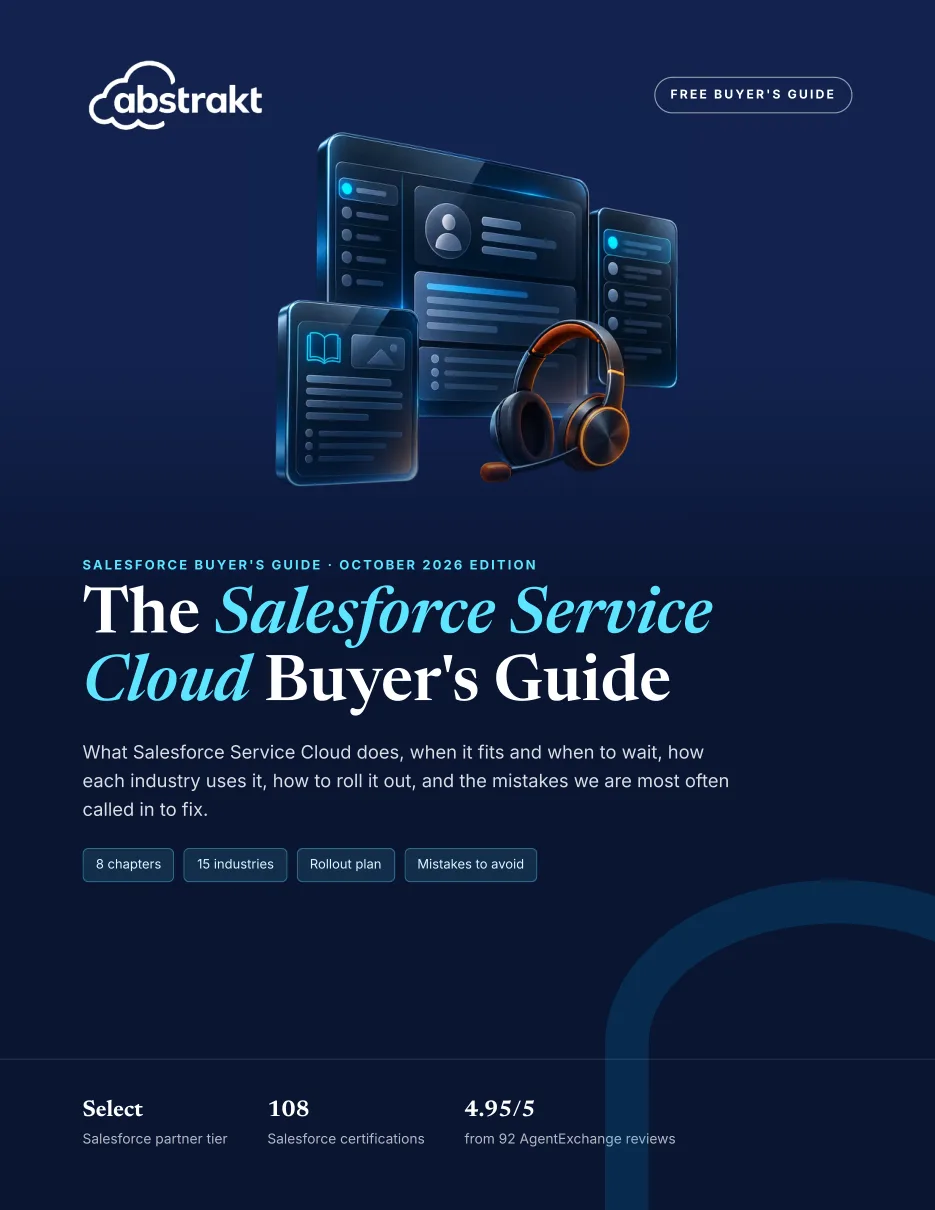
- 26 pages
- 8 chapters
- Free PDF
What's inside the Salesforce Service Cloud guide (8)
- 01
What Salesforce Service Cloud does
Omni-Channel Routing, Entitlements and Milestones, Lightning Service Console, Enhanced Chat and Messaging, Swarming with Slack and Feedback Management.
- 02
When Salesforce Service Cloud fits, and when to wait
5 signs Salesforce Service Cloud fits and 4 reasons to wait or choose something else.
- 03
Salesforce Service Cloud by industry
Insurance, Retail & Consumer Goods, Health & Life Sciences, hospitality, education and 10 more.
- 04
How to roll it out
Map every intake channel → Design queues and skills → Seed knowledge before launch → Configure entitlement processes → Go live by channel.
- 05
Mistakes to avoid
4 mistakes, from “Letting agents choose their own cases” to “Creating too many case statuses”.
- 06
Questions buyers ask
4 questions, starting with “Can Service Cloud support both business and consumer customers?”
- 07
Results from our projects
3 Salesforce Service Cloud projects, summarized.
- 08
Next steps
Free assessments and how to reach a Salesforce Service Cloud consultant.
Worksheets you keep (4)
Fit scorecard
9 statements to tick, showing whether Salesforce Service Cloud fits your team now or later.
Decisions worksheet
4 Salesforce Service Cloud decisions with room for your answer and an owner.
Partner interview scorecard
5 questions to rate up to three Salesforce Service Cloud partners side by side.
30-day plan
Four weeks from reading the Salesforce Service Cloud guide to a written scope.
When Salesforce Service Cloud fits, and when to wait (7)
Good signs
- Requests arrive through several channels and nobody can see a single history per customer.
- Contracts promise response times, and a miss carries a financial, contractual or regulatory cost.
- Agents need order, asset or sales data that already sits in Salesforce to close a case properly.
- You plan to deflect routine questions with self-service or an AI agent and need trustworthy knowledge to ground it.
Reasons to wait
- A small team answering modest email volume can start on Starter Suite without a full console and routing build.
- Most of the work is scheduled technician visits, which makes Field Service the core product instead.
- An internal IT help desk built around change and incident management may suit a dedicated IT service tool better.
The Salesforce Service Cloud rollout plan, in brief (5)
- 01
List every way requests arrive
Include shared inboxes, phone lines, web forms, chat, text and requests sent straight to individual staff. Channels that still depend on retired legacy Chat or standard SMS each need an enhanced successor scheduled in the plan.
- 02
Build queues around the work
Define queues by type of request rather than by department, add skills for language or product line, and set capacity per channel. Test routing in a sandbox with realistic volume before anyone relies on it.
- 03
Write the top articles first
Cover the most frequent case reasons before agents go live, so they can attach an answer from day one instead of replying from memory.
- 04
Turn contracts into entitlement processes
Set milestones for first response and resolution with business hours and holidays per region, then check the clock logic against real past cases, especially paused and reopened ones.
- 05
Go live one channel at a time
Email usually comes first, then messaging, then voice. Review backlog, reopen rates and survey results before switching on the next channel.
Salesforce Service Cloud mistakes we are called in to fix (3)
Letting agents pick their own cases
With pull-based list views, easy cases vanish quickly while hard ones age at the bottom of the queue. Omni-Channel with sensible capacity settings spreads the difficult work fairly.
Adding a status for every handoff
A long list of case statuses makes time-in-status reports meaningless, because agents pick whatever seems closest. Keep the values a customer or supervisor cares about and track internal steps in fields or milestones.
Treating the chat upgrade as cosmetic
Enhanced Chat needs Omni-Channel, keeps threads open across sessions and requires pre-chat forms to be rebuilt. Rethink agent capacity for long-running conversations before switching traffic.
Decisions to make early (4)
| Business accounts, person accounts or both | B2B support leans on contracts, assets and named contacts, while consumer service leans on messaging and self-service. Both can share one org if the data model is designed for it. |
|---|---|
| Telephony | Salesforce Voice, formerly Service Cloud Voice, brings Amazon Connect or supported partner telephony into the console. Whether calls should route through Omni-Channel alongside other work decides whether you change phone systems at all. |
| How open tickets leave the old help desk | Closed history usually migrates in bulk. Open tickets need their own cutover plan, or a short freeze where new requests start in Service Cloud and old ones finish where they are. |
| Where an AI agent starts | An Agentforce service agent can open a conversation and pass it to a person with the context intact. Choose the request types it handles first, and keep the rest with people. |
Questions to ask a Salesforce Service Cloud partner (5)
- How will you test routing under realistic volume before go-live?
- Which of our channels depend on retired legacy Chat or standard SMS, and what replaces them?
- How will entitlement clocks behave when a case is paused or reopened?
- Who will own knowledge articles after launch, and how will gaps be flagged?
- What will supervisors see during a shift, and which alerts will you configure?
Salesforce Service Cloud buyer questions (5)
Can one Service Cloud org serve business and consumer customers?
It can. Business accounts and person accounts can coexist, with record types, queues and entitlement processes that differ for each group. The design work lies in keeping reporting coherent across both audiences without forcing one into the other’s process.
How do supervisors see what is happening in the queue?
Supervisor views in Omni-Channel display live agent status, workload and the items still waiting, and let supervisors move work or listen in on conversations. Team dashboards and alerts on aging cases surface problems during the shift rather than in a weekly report.
Do we have to replace our phone system?
Often not. Salesforce Voice connects supported telephony to the console, and other systems can connect through computer telephony integrations. We look at your current contract, routing needs and whether transcripts should land on the case before recommending any change.
What happens now that legacy Chat has been retired?
Legacy Chat and the standard SMS and Messenger channels were retired in 2026, so those conversations need to move to Enhanced Chat and the enhanced messaging channels. The guide explains what changes for agents and capacity planning beyond the widget on your website.
Why does knowledge matter so much at launch?
Agents who start with an empty knowledge base learn to answer from memory, and AI tools grounded in thin or outdated articles repeat their errors. An owner for each article and a regular review of the most-used ones keep the content trustworthy.
Who wrote it
Abstrakt Solutions is a Salesforce Select partner based in St. Louis that implements Salesforce Service Cloud, with 138 certifications and a 4.95 out of 5 rating from 92 reviews on Salesforce AgentExchange (formerly AppExchange).
 Salesforce Sales Cloud
 Salesforce Field Service
 Salesforce Marketing Cloud
 Salesforce Revenue Cloud / CPQ
 Salesforce Experience Cloud
 Salesforce Agentforce
 Data 360
 Tableau
 MuleSoft
 Gong
 Claude