What Salesforce Experience Cloud is, and who this guide is for
Before you download
Experience Cloud builds logged-in sites on top of your Salesforce data: customer portals, partner portals, member communities and help centers. The real design work is less about pages and more about access, because every external user must see exactly their own company’s records and nothing more.
The guide is aimed at service, channel and digital leaders and the admins who will build the site. It explains Experience Builder, LWR templates, sharing sets, audience targeting, Salesforce CMS and guest access, covers portal patterns across many industries, and sets out a launch plan that invites users in waves.
Get the free Salesforce Experience Cloud guide
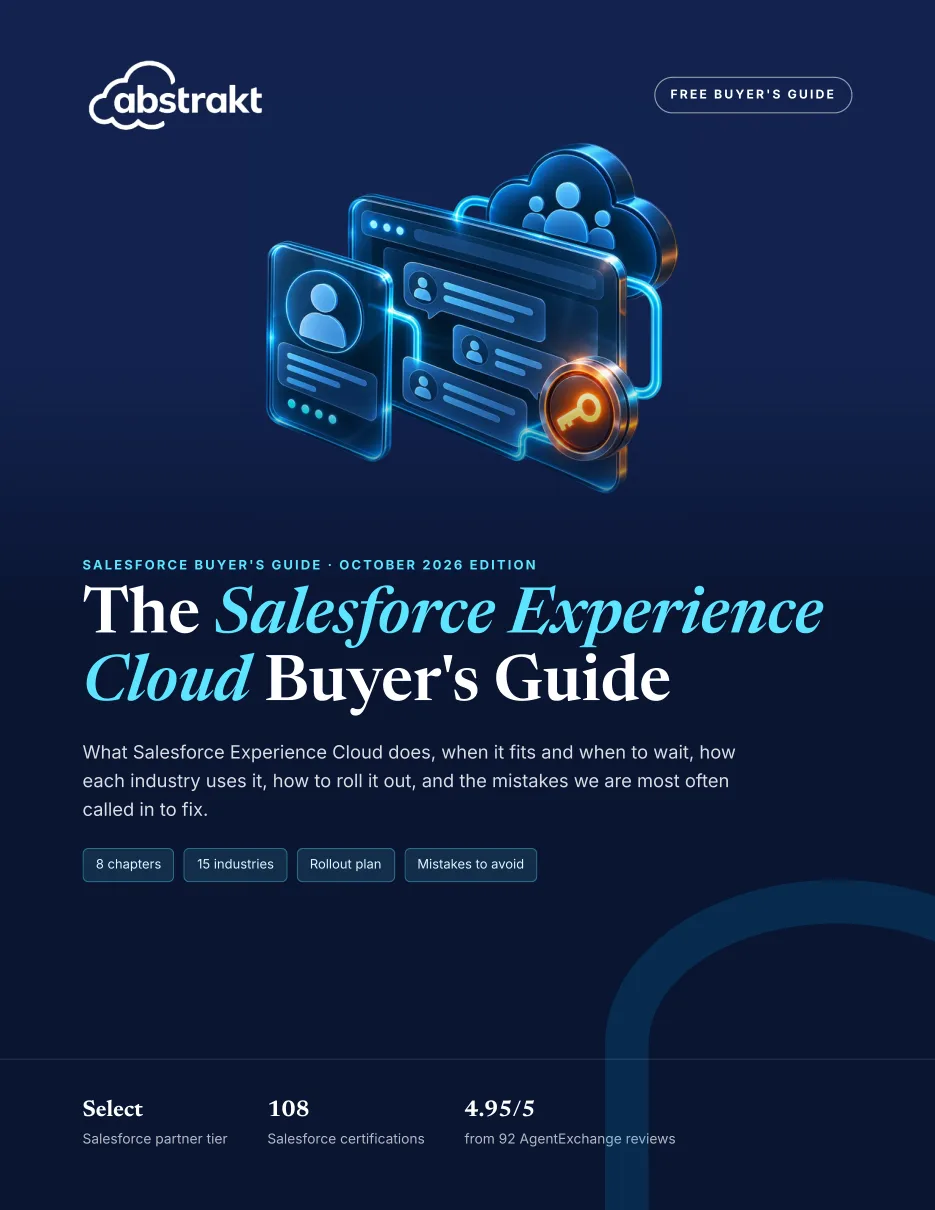
- 27 pages
- 8 chapters
- Free PDF
What's inside the Salesforce Experience Cloud guide (8)
- 01
What Salesforce Experience Cloud does
Experience Builder, Lightning Web Runtime sites, Sharing sets and groups, Audience targeting, Salesforce CMS content and Guest user access.
- 02
When Salesforce Experience Cloud fits, and when to wait
5 signs Salesforce Experience Cloud fits and 4 reasons to wait or choose something else.
- 03
Salesforce Experience Cloud by industry
agriculture, education, energy, Health & Life Sciences, Insurance and 10 more.
- 04
How to roll it out
Name the top tasks → Design the access model → Choose template and components → Test as real users → Launch with an invitation.
- 05
Mistakes to avoid
4 mistakes, from “Choosing licenses before designing access” to “Loosening guest access during the build”.
- 06
Questions buyers ask
4 questions, starting with “Should we choose an LWR or Aura template?”
- 07
Results from our projects
2 Salesforce Experience Cloud projects, summarized.
- 08
Next steps
Free assessments and how to reach a Salesforce Experience Cloud consultant.
Worksheets you keep (4)
Fit scorecard
9 statements to tick, showing whether Salesforce Experience Cloud fits your team now or later.
Decisions worksheet
4 Salesforce Experience Cloud decisions with room for your answer and an owner.
Partner interview scorecard
5 questions to rate up to three Salesforce Experience Cloud partners side by side.
30-day plan
Four weeks from reading the Salesforce Experience Cloud guide to a written scope.
When Salesforce Experience Cloud fits, and when to wait (7)
Good signs
- Customers or partners need to view and act on cases, orders, applications or registered deals already in Salesforce.
- Each external user must be limited to their employer’s records, and building that control yourself would be risky.
- Your team answers the same status questions every day, and the answers sit on records a customer could safely see.
- Partners send deal registrations, warranty claims or onboarding forms as attachments that staff then retype.
Reasons to wait
- You need a public marketing website with no login and no Salesforce data behind it.
- External users only submit the occasional form, which web-to-case or web-to-lead covers without a site.
- Employees are the only audience and already hold Salesforce licenses.
The Salesforce Experience Cloud rollout plan, in brief (5)
- 01
Rank the tasks users come for
Interview a sample of the people who will log in and list the few tasks that bring them to the site, ordered by frequency. Navigation, the home page and the first release are then built around those tasks.
- 02
Design access before licenses
Decide how accounts and contacts map to external users, which records each group can read or edit, and how edge cases work, such as someone who works for two customers. Then choose license types.
- 03
Default to LWR
Pick a Build Your Own (LWR) or Microsite (LWR) template for a new site, and fall back to Aura only when a needed component exists nowhere else. List the standard components before building custom ones.
- 04
Test as each persona
Log in as test users from different accounts and try every task, including ones they should be blocked from, then run a separate guest pass to confirm anonymous visitors cannot query member data.
- 05
Invite users in waves
Send a personal invitation explaining what people can now do without calling or emailing. Track logins and completed tasks for each wave and fix friction before inviting the next group.
Salesforce Experience Cloud mistakes we are called in to fix (3)
Buying the cheapest license first
A low-tier external license may not reach an object the main task depends on, or support role-based visibility across a partner’s staff. Fixing that later means moving users to a new license and reworking sharing.
Leaving guest permissions open
Guest defaults are locked down now, so the risk is access opened for convenience during the build and never closed. Review the guest profile, enabled flows and public API access before launch and after every release.
Launching without an owner
Portals delivered as IT projects often have nobody accountable for content or adoption once the build team leaves. Name a business owner with CMS rights and a simple backlog, and review usage monthly.
Decisions to make early (4)
| One site or several | Audience targeting handles moderate differences between groups on one URL. Customers, partners and suppliers with fundamentally different tasks often warrant separate sites that share CMS content. |
|---|---|
| Who edits the words | Salesforce CMS lets marketing or product teams publish articles and announcements without an admin. Decide which team owns the content, its drafts and its publishing schedule before launch. |
| Whether to add an AI agent | An Agentforce service agent can run on the site through Enhanced Chat, inside the same sharing model as members. A loose guest or member configuration then becomes an AI exposure, so stabilize access first. |
| Languages | Site labels, navigation and CMS content can be translated per language, while Salesforce data such as knowledge articles is translated separately. Plan who produces and approves each translation. |
Questions to ask a Salesforce Experience Cloud partner (5)
- How will you map our accounts and contacts to external users?
- Which license type do you recommend for each audience, and what can it not reach?
- How will you prove that users from two different accounts cannot see each other’s data?
- What is the review process for guest access after each release?
- Who will own the site’s content and adoption after launch?
Salesforce Experience Cloud buyer questions (5)
Should a new site use an LWR or Aura template?
LWR is generally the better starting point for performance, developer control and Salesforce’s continued investment, and LWR sites have supported OmniStudio since Spring ’26. Aura still makes sense when a required component exists only for Aura or you are extending an existing Aura site.
How do we stop external users from seeing each other’s records?
Set external organization-wide defaults to private, grant access through sharing sets tied to each user’s account or contact, and use roles only where a company needs a hierarchy. Then test personas from two accounts across list views, search, reports and related lists.
Can one site serve distributors and end customers differently?
One site can do that. Audiences can show different pages, components or content based on profile, location or account attributes, so both groups land on one URL but see what fits them. That avoids maintaining near-duplicate sites.
What changed with guest user security?
Every org now enforces secure guest record access, and flows have to be opened to guests one at a time. Salesforce’s 2026 security guidance also recommends switching off guest access to public APIs unless a site truly needs it.
How do we get people to actually use the portal?
Invite them personally, explain the tasks they can now complete on their own, and have service reps redirect requests to the site consistently from launch day. Tracking completed tasks per wave shows where friction remains.
Who wrote it
Abstrakt Solutions is a Salesforce Select partner based in St. Louis that implements Salesforce Experience Cloud, with 138 certifications and a 4.95 out of 5 rating from 92 reviews on Salesforce AgentExchange (formerly AppExchange).
 Salesforce Sales Cloud
 Salesforce Service Cloud
 Salesforce Field Service
 Salesforce Marketing Cloud
 Salesforce Revenue Cloud / CPQ
 Salesforce Agentforce
 Data 360
 Tableau
 MuleSoft
 Gong
 Claude