What Salesforce Field Service is, and who this guide is for
Before you download
Field Service is the part of Salesforce that schedules technicians, sends them to customer sites with the right parts and records what they did once they arrive. Configured well, it means dispatchers stop rebuilding tomorrow’s board by hand, and the work order, the parts consumed and the customer’s signature all land on one asset history.
The guide is for service directors, dispatch leads and operations teams weighing the product or preparing to implement it. It explains scheduling optimization, policies and work rules, maintenance plans, service reports, Appointment Assistant and the offline mobile app, then covers how field-heavy industries apply them.
Get the free Salesforce Field Service guide
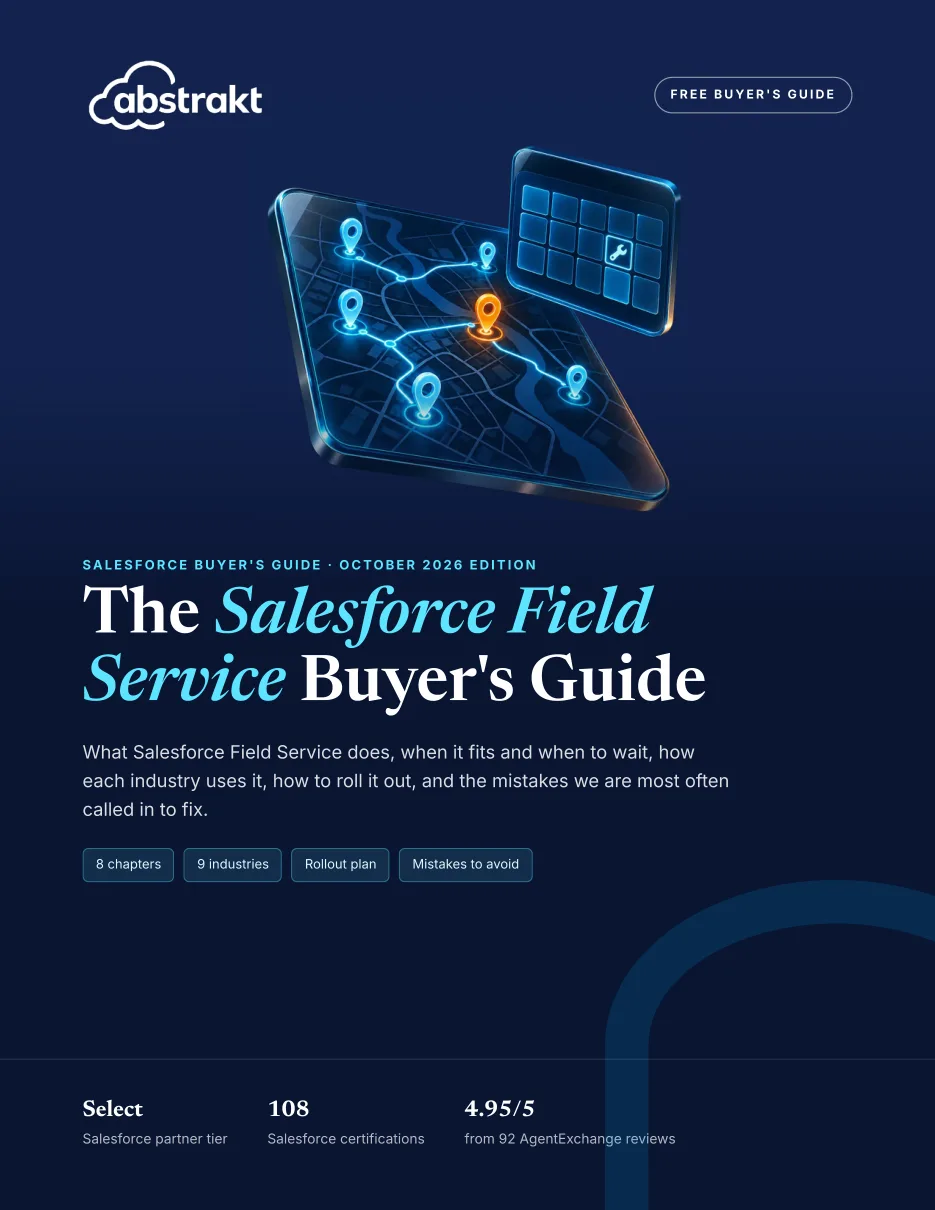
- 21 pages
- 8 chapters
- Free PDF
What's inside the Salesforce Field Service guide (8)
- 01
What Salesforce Field Service does
Enhanced Scheduling and Optimization, Scheduling Policies and Work Rules, Maintenance Plans, Service Reports and Signatures, Appointment Assistant and Offline-First Mobile App.
- 02
When Salesforce Field Service fits, and when to wait
5 signs Salesforce Field Service fits and 4 reasons to wait or choose something else.
- 03
Salesforce Field Service by industry
Manufacturing, Construction, energy, agriculture, Health & Life Sciences and 4 more.
- 04
How to roll it out
Inventory the work catalog → Draw territories and hours → Tune one scheduling policy → Pilot with one crew → Retire the old schedule.
- 05
Mistakes to avoid
4 mistakes, from “Letting every exception become a rule” to “Designing mobile screens at a desk”.
- 06
Questions buyers ask
5 questions, starting with “How does Field Service decide which technician gets a job?”
- 07
Results from our projects
4 Salesforce Field Service projects, summarized.
- 08
Next steps
Free assessments and how to reach a Salesforce Field Service consultant.
Worksheets you keep (4)
Fit scorecard
9 statements to tick, showing whether Salesforce Field Service fits your team now or later.
Decisions worksheet
4 Salesforce Field Service decisions with room for your answer and an owner.
Partner interview scorecard
5 questions to rate up to three Salesforce Field Service partners side by side.
30-day plan
Four weeks from reading the Salesforce Field Service guide to a written scope.
When Salesforce Field Service fits, and when to wait (7)
Good signs
- Technicians drive between sites every day, and someone spends hours balancing skills, geography and promised arrival windows.
- Repair visits, parts and customer conversations belong on the same asset record as your Service Cloud cases.
- Contracts require recurring inspections, and a missed visit triggers a penalty, a warranty dispute or a compliance finding.
- Repeat visits are common because the wrong technician, or the right one without the part, keeps showing up.
Reasons to wait
- Only a few customer visits happen each week, which Service Cloud with simple scheduled events can usually handle.
- All of the work happens in one repair depot, where queues and routing fit better than dispatch optimization.
- Crews are managed as long construction projects rather than as discrete appointments.
The Salesforce Field Service rollout plan, in brief (5)
- 01
Catalog every job type
Record each job’s typical duration, required skills, parts and whether it takes one visit or several. Have dispatchers and senior technicians check the list, because they know which jobs always run long.
- 02
Settle territories and hours
Define service territories, operating hours, home bases and secondary coverage with operations leadership before configuration. Redrawing boundaries after go-live forces reassignments and retraining that dispatchers resent.
- 03
Trust one scheduling policy first
Replay a real week of past jobs through a single policy and compare the output with what dispatchers actually did. Adjust the objective weights until a veteran would accept the schedule, then add more policies.
- 04
Pilot the mobile app with one crew
Watch where technicians hesitate and what they still write on paper. Trimming a completion flow at this stage costs far less than retraining every technician later.
- 05
Retire the whiteboard
Pick a date after which the old board or shared calendar stops being updated. Pair the cutover with dashboards on utilization and repeat visits so managers see the benefit quickly.
Salesforce Field Service mistakes we are called in to fix (3)
Encoding every exception as a rule
Turning dozens of remembered customer preferences into hard work rules leaves the engine few valid slots and poor schedules. Make only the truly non-negotiable constraints hard and treat the rest as preferences.
Designing mobile screens in a conference room
Technicians wearing gloves, in poor light or without signal abandon long forms. Keep each flow to the fields that feed billing, compliance or the next visit, and test it on real devices at real sites.
Skipping geocode cleanup
Missing suite numbers and rural route descriptions produce wildly wrong drive-time estimates, and dispatchers stop trusting the engine. Clean and geocode service locations before tuning any policy.
Decisions to make early (4)
| How precisely truck stock is tracked | Exact van inventory and simple par-level replenishment both work. What does not work is recording no consumption at all, because technicians then cannot close jobs with trustworthy data. |
|---|---|
| Which jobs customers may book themselves | Routine maintenance is usually safe to offer through a site or Appointment Assistant. Complex diagnostics often need a conversation first so the right skills and parts are assigned before a time is promised. |
| What the mobile app downloads in advance | Briefcase Builder and offline priming decide which records sit on the device. A job missing its asset history or parts list stalls in a basement with no signal. |
| Whether AI comes now or later | Agentforce for Field Service and Operations is sold as an add-on, and its scope shifts between releases. Most teams prove scheduling and mobile first, then add briefings and service summaries. |
Questions to ask a Salesforce Field Service partner (5)
- How will you validate our scheduling policy against real historical jobs?
- Which of our constraints would you make hard rules, and which preferences?
- How will multi-day and multi-technician jobs be modeled?
- What will technicians have offline, and how will you test that on site?
- Who will own address and geocode quality once we are live?
Salesforce Field Service buyer questions (5)
How does the scheduling engine choose a technician?
It first removes anyone who fails a hard rule, such as lacking a required skill, sitting outside the territory or being unavailable. The remaining candidates are ranked against weighted goals like shortest drive or preferred technician. Dispatchers can accept the suggestion, choose another candidate or drag the appointment on the Gantt chart.
Can a two-person installation be scheduled as one job?
That is supported. Crews can be scheduled as a unit, and longer work can use multiday settings or dependent appointments. Identify these jobs during the catalog exercise, because treating them as unrelated visits is a common way to strand technicians.
What should we report on in the first months?
First-time fix rate, drive time compared with time on the job, utilization by technician and territory, and repeat visits to the same asset. All of these depend on accurate status updates from the field, so build the dashboards alongside the mobile flow.
Does Field Service work where there is no mobile signal?
The mobile app for iOS and Android is built to work offline. Technicians can view schedules, update work orders and capture photos without a connection, and changes sync once the device reconnects.
Can customers see when the technician will arrive?
With the Appointment Assistant add-on, customers receive updates as the technician travels, including a live location view and arrival window, and can reschedule on their own. It suits residential and small-business service more than gated industrial sites.
Who wrote it
Abstrakt Solutions is a Salesforce Select partner based in St. Louis that implements Salesforce Field Service, with 138 certifications and a 4.95 out of 5 rating from 92 reviews on Salesforce AgentExchange (formerly AppExchange).
 Salesforce Sales Cloud
 Salesforce Service Cloud
 Salesforce Marketing Cloud
 Salesforce Revenue Cloud / CPQ
 Salesforce Experience Cloud
 Salesforce Agentforce
 Data 360
 Tableau
 MuleSoft
 Gong
 Claude