What Salesforce Marketing Cloud is, and who this guide is for
Before you download
Marketing Cloud is a family of products rather than one tool: Engagement for high-volume consumer journeys, Account Engagement for B2B lead nurturing, and Marketing Cloud Next, the newer line built on the Salesforce platform and Data 360. Picking the right one, and staffing it properly, matters more than any single feature.
This guide is written for marketing leaders and marketing operations teams who need to know what each product does, what it takes to run, and how to set up sending, data and consent so the first journeys reach inboxes and stay compliant.
Get the free Salesforce Marketing Cloud guide
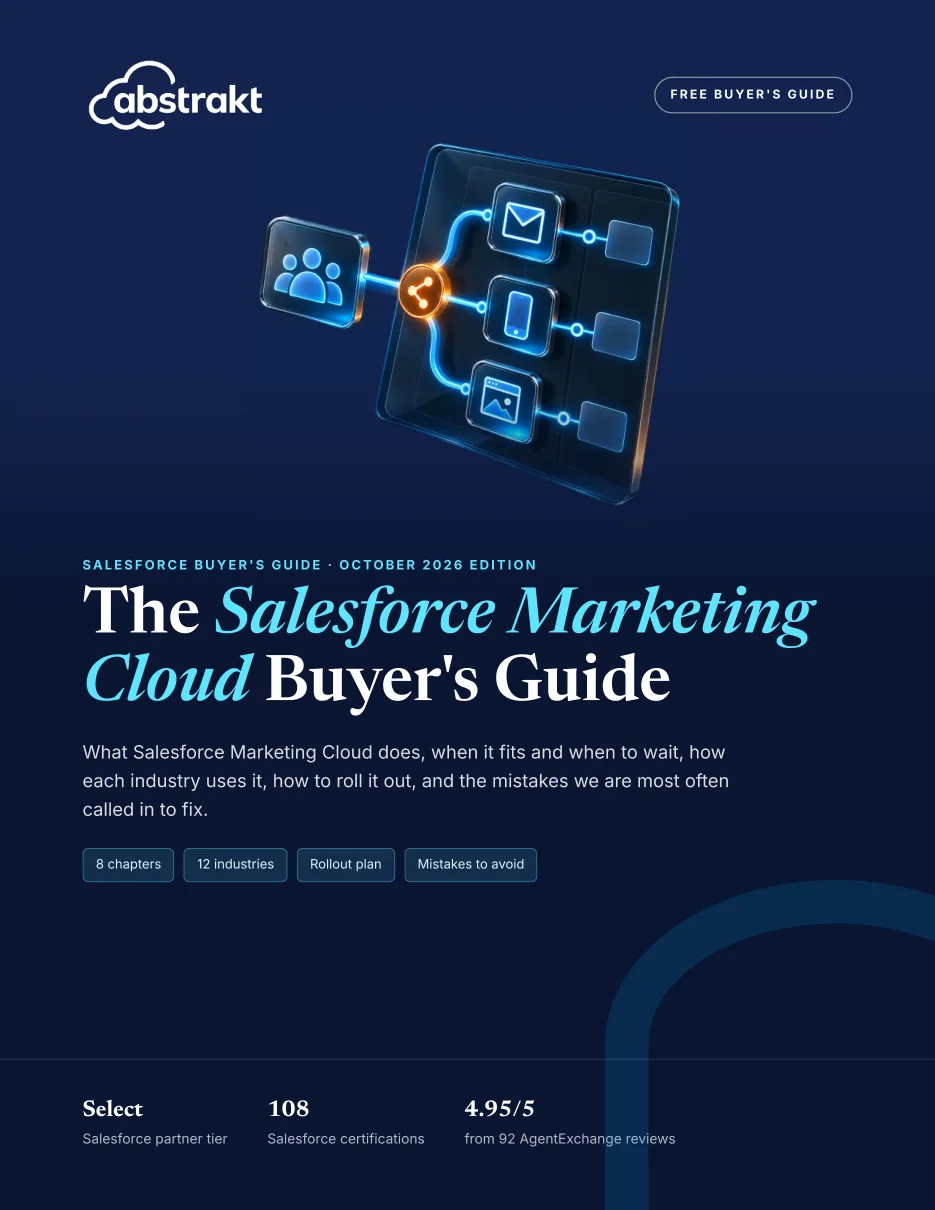
- 24 pages
- 8 chapters
- Free PDF
What's inside the Salesforce Marketing Cloud guide (8)
- 01
What Salesforce Marketing Cloud does
Journey Builder, Contact Builder Data Extensions, Automation Studio, Marketing Cloud Next, Marketing Cloud Connect and Account Engagement Scoring and Grading.
- 02
When Salesforce Marketing Cloud fits, and when to wait
5 signs Salesforce Marketing Cloud fits and 4 reasons to wait or choose something else.
- 03
Salesforce Marketing Cloud by industry
Mortgage & Lending, education, Nonprofit, hospitality, Professional Services and 7 more.
- 04
How to roll it out
Plan business unit structure → Set up sending domains → Model the contact data → Rebuild consent and preferences → Launch a few journeys.
- 05
Mistakes to avoid
4 mistakes, from “Using email as the subscriber key” to “Syncing the entire CRM”.
- 06
Questions buyers ask
5 questions, starting with “How technical does our team need to be to run Marketing Cloud?”
- 07
Results from our projects
6 Salesforce Marketing Cloud projects, summarized.
- 08
Next steps
Free assessments and how to reach a Salesforce Marketing Cloud consultant.
Worksheets you keep (4)
Fit scorecard
9 statements to tick, showing whether Salesforce Marketing Cloud fits your team now or later.
Decisions worksheet
3 Salesforce Marketing Cloud decisions with room for your answer and an owner.
Partner interview scorecard
5 questions to rate up to three Salesforce Marketing Cloud partners side by side.
30-day plan
Four weeks from reading the Salesforce Marketing Cloud guide to a written scope.
When Salesforce Marketing Cloud fits, and when to wait (7)
Good signs
- You send large volumes of email, SMS or push messages and want each person’s path to react to what they do.
- Personalization needs purchase or product data from several systems, not only fields stored in the CRM.
- Your team has, or will hire, people comfortable with SQL, scripting and data modeling.
- Several brands or regions need their own sending identities under one shared governance model.
Reasons to wait
- Qualifying leads for a sales team is the main goal, which Account Engagement or a Marketing Cloud Next edition usually serves better.
- A small team sending a regular newsletter may find the email features in Salesforce Starter are enough.
- Nobody is available yet to own deliverability, nightly data jobs and journey upkeep.
The Salesforce Marketing Cloud rollout plan, in brief (5)
- 01
Decide the business unit structure
Choose whether each brand, region or division gets its own business unit, sender profiles and lists before the account is provisioned. Splitting or merging units later is disruptive for permissions and unsubscribes.
- 02
Authenticate sending domains
Set up the sender authentication package and dedicated domains, coordinate DNS changes with IT early, and warm new IP addresses gradually, starting with your most engaged contacts.
- 03
Pick a stable subscriber key
Use the Salesforce contact or lead ID rather than an email address, then model only the data extensions your first journeys actually segment and personalize on.
- 04
Carry consent across with its history
Import opt-ins and unsubscribes with their source and date, give SMS consent its own documented trail, and test that an unsubscribe in one channel is honored everywhere it should be.
- 05
Launch a few journeys well
Begin with a welcome series and transactional messages, run them long enough to validate data, timing and reporting, and set naming conventions and approval steps now.
Salesforce Marketing Cloud mistakes we are called in to fix (3)
Keying subscribers on email address
People change addresses and share inboxes, so duplicates inflate contact counts and split engagement history. Changing the key afterward usually needs Salesforce support and careful remapping.
Syncing the whole CRM
Bringing every lead, contact and field into Marketing Cloud adds people you will never message and slows synchronization. Filter the sync down to what segmentation, personalization and suppression really use.
Journeys with no way out
A promotion that arrives the day after a purchase, or during an open complaint, erodes trust quickly. Every journey needs goals, exit criteria and suppression tied to recent orders and open service cases.
Decisions to make early (3)
| Engagement, Next or both | Next reads unified profiles from Data 360 without a separate sync, while Engagement remains the mature choice for very high volume and deep SQL segmentation. Many organizations run both for a period. |
|---|---|
| Who owns which audience | Companies running Engagement alongside Account Engagement need rules on audience ownership and shared unsubscribes, or one person receives conflicting emails from two systems. |
| How marketing impact is measured | Agree with leadership whether success means opportunities, purchases, renewals or service contacts avoided, so engagement data flows back to Salesforce from the start instead of being retrofitted. |
Questions to ask a Salesforce Marketing Cloud partner (5)
- Which Marketing Cloud product would you recommend for our first journeys, and why?
- What subscriber key will you use, and how will duplicates be handled?
- How will consent and preference choices flow back to Salesforce contacts and leads?
- Who will monitor automations, and how will failures be reported?
- What skills will our team need to run the platform after you leave?
Salesforce Marketing Cloud buyer questions (5)
How technical does a Marketing Cloud team need to be?
More than most buyers expect. Building emails is approachable, but segmentation often relies on SQL, personalization uses AMPscript or server-side JavaScript, and troubleshooting means understanding data extensions and automations. A common answer is a campaign manager working alongside a technical marketing operations specialist.
Can receipts and password resets go through Marketing Cloud?
Engagement handles those too. Transactional messaging in Engagement sends event-triggered email and text through an API, separate from promotional journeys. We add monitoring so a failed send is caught before a customer notices it.
What does Marketing Cloud Connect do?
It links Engagement to your Salesforce org, syncing leads, contacts and campaign members as audiences and returning email tracking to CRM records. Activity in sales or service can also trigger a journey through it.
How do scoring and grading differ in Account Engagement?
Scoring measures how engaged a prospect is through actions such as form fills and page visits. Grading measures how closely they match your ideal customer profile. Together they give sellers a consistent, explainable reason a lead was handed over.
Why do early campaigns land in spam?
Rushed domain authentication and sending too much from new IP addresses too quickly are the usual causes. Authenticate domains before the first live send and ramp volume gradually with your most engaged contacts.
Who wrote it
Abstrakt Solutions is a Salesforce Select partner based in St. Louis that implements Salesforce Marketing Cloud, with 138 certifications and a 4.95 out of 5 rating from 92 reviews on Salesforce AgentExchange (formerly AppExchange).
 Salesforce Sales Cloud
 Salesforce Service Cloud
 Salesforce Field Service
 Salesforce Revenue Cloud / CPQ
 Salesforce Experience Cloud
 Salesforce Agentforce
 Data 360
 Tableau
 MuleSoft
 Gong
 Claude